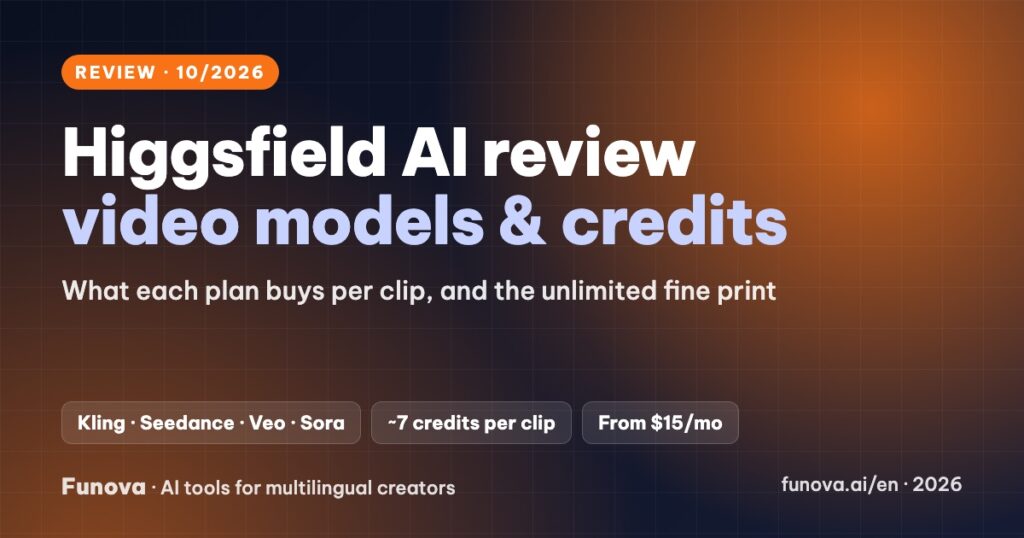
Higgsfield AI puts many of the strongest video and image models in one subscription, including Kling, Seedance, Veo, Sora, Wan and Nano Banana, alongside its own tools: Soul for images and consistent characters, DoP camera moves, Cinema Studio and a UGC-style ad maker. It is built for creators who want cinematic AI shots and short-form ads without filming. This review explains what each plan buys in real clips, how the “unlimited” offers actually work, and the billing rules to read before you pay.
Some links in this review are affiliate links. We may earn a commission if you sign up through them, at no extra cost to you. Plans, credit costs and policies were checked on Higgsfield’s pricing page, help center and terms on October 7, 2026. Higgsfield changes prices and promotions often, and some of its own pages disagree; we note where. We have not used Higgsfield in our own videos yet, so this review gives no score.
Verdict
- Best for: creators making short-form video, product ads and cinematic shots who want access to several top video models from one account.
- Standout: model choice plus camera-move presets and consistent characters. A 5-second Kling 3.0 clip at 720p costs about 7 credits, roughly $0.27 to $0.50 depending on the plan.
- Watch out for: credits do not roll over, “unlimited” offers are time-limited with a slower queue, and refunds are only possible within 7 days if you have used no credits.
- Price: free account with watermarked output. Paid plans from $15/month.
What Higgsfield does
- Video generation: pick a model per shot. Kling 3.0 and Seedance 2.0 make 3 to 15 second clips up to 4K; Seedance 2.5 in Cinema Studio goes up to 30 seconds.
- DoP camera moves: presets such as dolly, crash zoom and orbit make image-to-video shots feel filmed.
- Soul ID: train a consistent character from 20 to 80 photos and reuse it across images and videos.
- Marketing Studio: paste a product URL and get UGC-style ads with lip sync.
- Images: Soul, Nano Banana, Seedream, Flux, GPT Image and more in the same workspace.
- Extras: Speak lip sync, face swap, upscaling, a node-based Canvas, apps and an API.
Pricing
| Plan | Monthly | Billed yearly | Credits a month | Notes |
|---|---|---|---|---|
| Free | $0 | – | Not published | Watermark on every output |
| Starter | $15 | $15/mo | 200 | Selected models only |
| Plus | $49 | $39/mo | 1,000 | All models; short unlimited promos |
| Ultra | $129 | $99/mo | 3,000 (higher tiers available) | More parallel jobs |
| Business | Per seat | Per plan | Teams of 2 to 15; Enterprise excludes your data from training | |
Prices exclude VAT and change often; Higgsfield runs frequent discounts that renew at full price.
What the credits buy
| Model | Credits per clip | Clips on Plus (1,000 credits) |
|---|---|---|
| Kling 3.0, 5 s, 720p | ~7 | ~140 |
| Kling 3.0, 5 s, 1080p | ~8 | ~125 |
| Seedance 2.0, 5 s, 720p | ~22 | ~45 |
| Veo 3.1, 4 s | ~40 | ~25 |
| Sora 2, 4 s, 720p | ~10 | ~100 |
Draft at 720p with a cheap model, then render only the final shots at higher resolution or with premium models.
The fine print on credits and “unlimited”
- No rollover: plan credits expire every billing cycle. Extra credit packs last 90 days and require an active subscription.
- Unlimited offers: they cover specific models for a limited time (the plan cards show 7 days), run only on the website, use a slower queue and are subject to fair use. Some help pages describe 365-day unlimited promos instead, so read the offer you are buying.
- Billing: several third-party reviews complain about checkout defaulting to yearly billing and unexpected renewals. Check monthly vs yearly before paying.
Commercial use, privacy and refunds
- Ownership: Higgsfield claims no ownership of your outputs and does not restrict commercial use. Paid plans remove the watermark.
- Training: your inputs and outputs may be used to train Higgsfield’s models, except on Enterprise.
- Likeness: you need consent for any real person’s face, name or voice.
- Refunds: only within 7 days of the first purchase and only if no credits were used; renewals are not refunded and a fee of up to 6% may apply. You can cancel any time and keep access until the period ends.
- Payment: cards and Apple Pay through Stripe, in USD. PayPal is not listed.
Language support
The interface is available in English, Spanish, Japanese, Korean and German. Higgsfield recommends writing prompts in English. Its audio translation covers 18 languages, but the list is not published, so test your language before relying on lip-synced speech. For voiceovers in other languages, generating shots in Higgsfield and voicing them with ElevenLabs is a reliable combination; see our best AI dubbing tools comparison.
Pros and cons
| Pros | Cons |
|---|---|
| Kling, Seedance, Veo, Sora and more under one subscription | Credits expire monthly; premium models drain them fast |
| Cinematic camera presets and consistent characters | “Unlimited” is time-limited, slower and conditional |
| Product-URL-to-ad tool for UGC-style ads | Strict refund rules; billing complaints in reviews |
| Cheap Starter plan to test | Outputs may be used for training unless on Enterprise |
Who should choose which plan
- Trying it out: Starter for a month, using Kling 3.0 at 720p to learn prompting.
- Weekly short-form creators: Plus, monthly at first. Switch to yearly only once you know your usage.
- Agencies making ads: Ultra or a Business plan for more credits and parallel jobs.
- Presenter-style videos: an avatar tool such as HeyGen may fit better.
FAQ
Is Higgsfield free?
There is a free account to explore it, but every output carries a watermark and the free credit amount is not published. Paid plans start at $15/month.
Can I use Higgsfield videos commercially?
Yes. Higgsfield does not restrict commercial use, and paid plans remove the watermark. You still need rights to any real person shown.
Do unused credits roll over?
No. Plan credits expire each cycle; purchased packs last 90 days.
Can I get a refund?
Only within 7 days of your first purchase and only if you have not used any credits.